
Brake point cue
Brake point cue is a driving assist. It counts you down into braking zones: three beeps, the final one landing where you should brake. It is on by default, it is free on both plans, and it lives under Settings, Audio, where you can turn it off.
The beeps take multiple elements into account: where the target lap brakes, but also your current approach speed and trajectory. That makes them precise enough to help you hit your brake points every time!
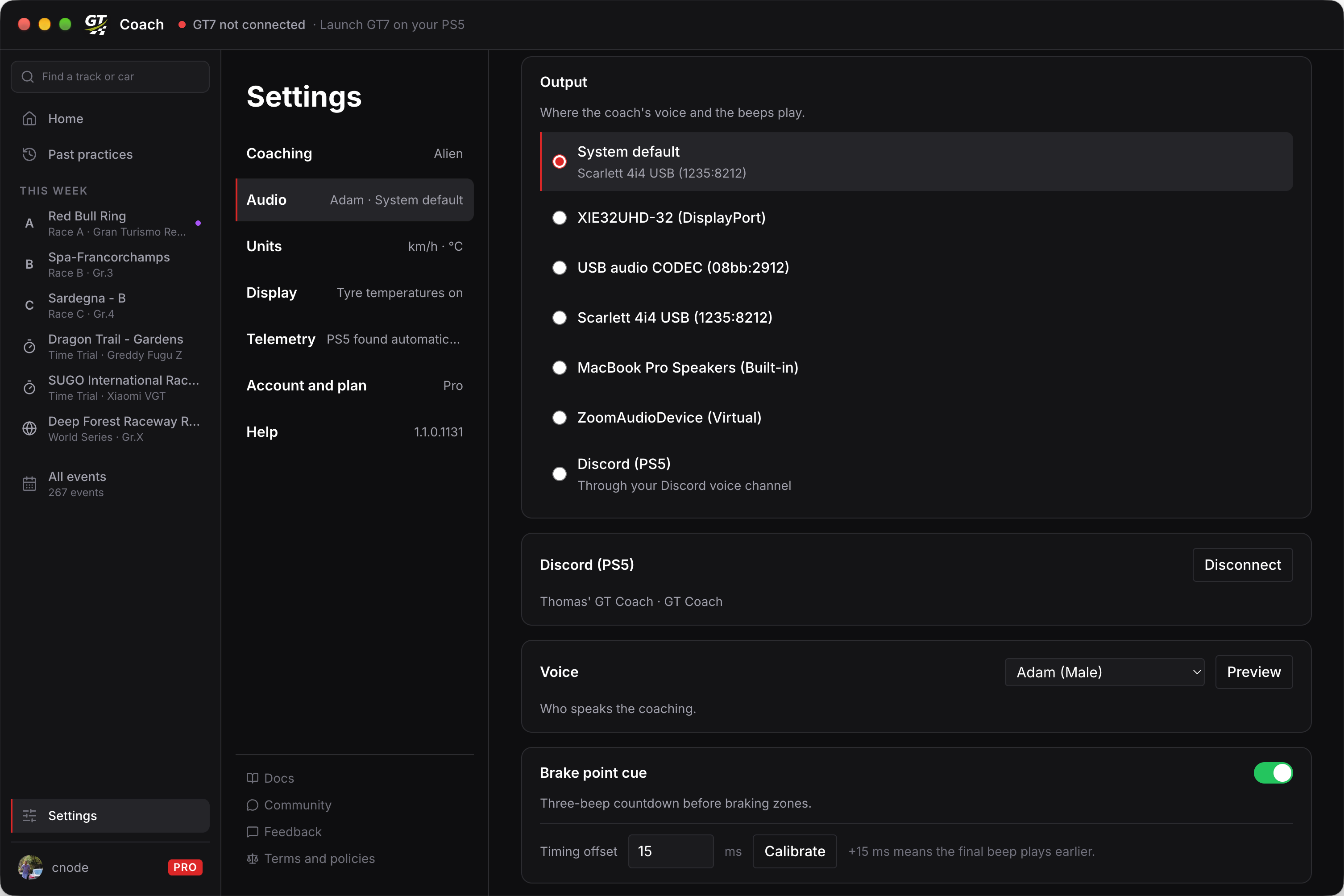
Calibration is critical
Section titled “Calibration is critical”Every audio setup has its own inherent delay. Typically, calibration values land around:
- Laptop speakers: 10ms
- TV speakers over HDMI: 20ms
- Bluetooth headphones: 200ms
- Discord audio: 600ms
Calibration is a step you take from the Settings page, per audio output, to adjust the timing of the brake point cue so the beeps feel right on your own setup. It’s very important to do: without it, the beeps can feel late or early.
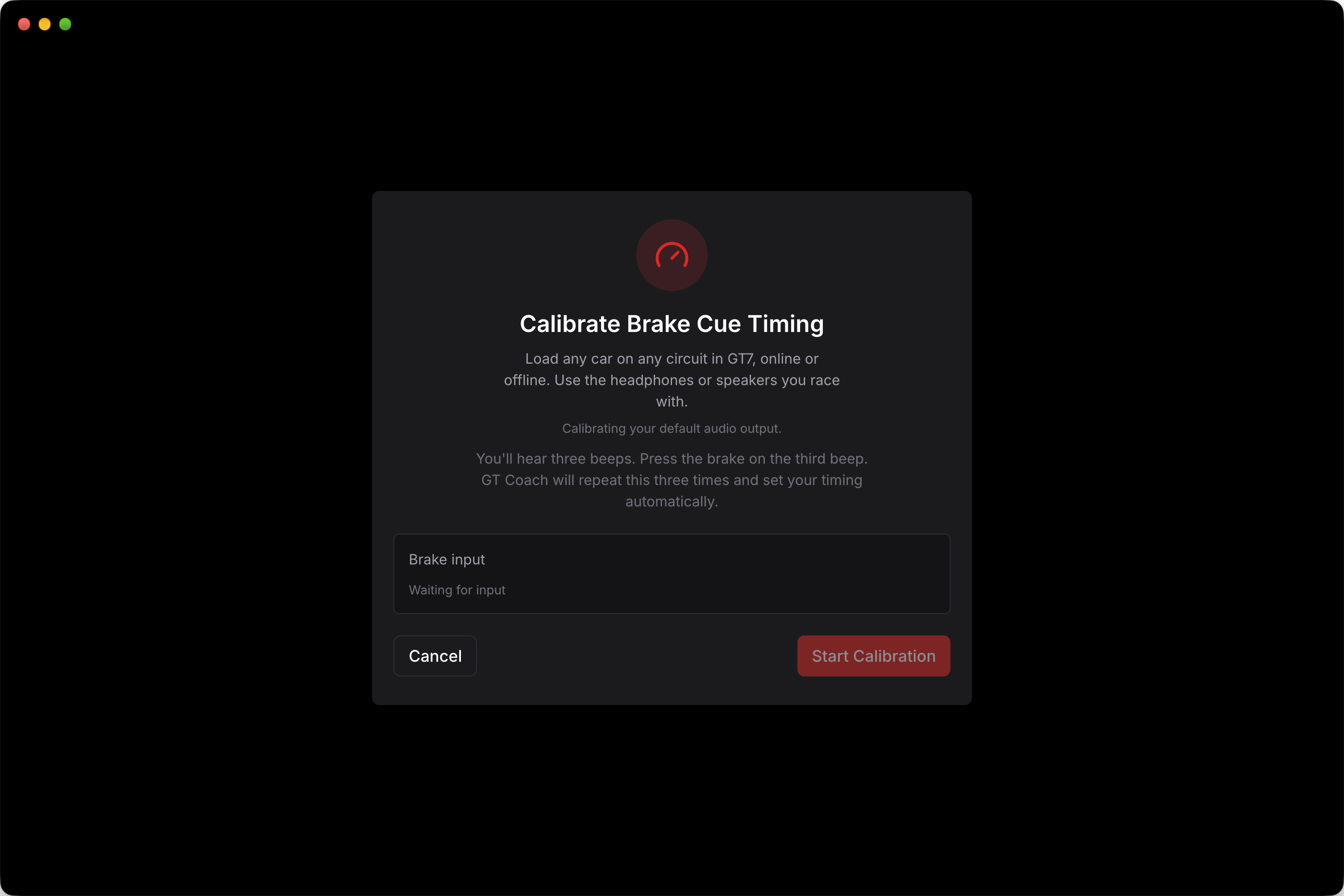
Choose your Output first: calibration sets the timing for the output selected there. Load any car on any circuit in GT7, online or offline, and drive: calibration does not run while the game is paused. On Discord, join your GT Coach voice channel first. Then press Calibrate, then Start Calibration. You will hear three beeps and brake exactly when you hear the third one; the app repeats this three times, then sets your value.
You can also type a value in Timing offset yourself. A positive number plays the final beep earlier, a negative number plays it later.
You should calibrate again when you get a new audio device (like new headphones) or choose a different output device for the first time.
Finally, it is in theory impossible to hear a beep before it played! So if your calibration shows a negative value (e.g. -15ms), that usually means you braked slightly before the third beep. If that happens every time, I would recommend resetting it to 0: a negative value makes the beeps play a tiny bit later, and leaning on a late beep could make you miss your brake point.
Discord latency
Section titled “Discord latency”Discord is an audio output that lives outside your computer, so it is more at risk of latency jitter. The calibration above compensates for the average latency of your Discord server, but sometimes Discord runs a bit slower or faster than usual, which means that even with a good calibration the beeps can feel late or early.
This should be rare, but if it happens, I recommend restarting the practice session, so that the Discord bot leaves and rejoins your channel.